Introduction
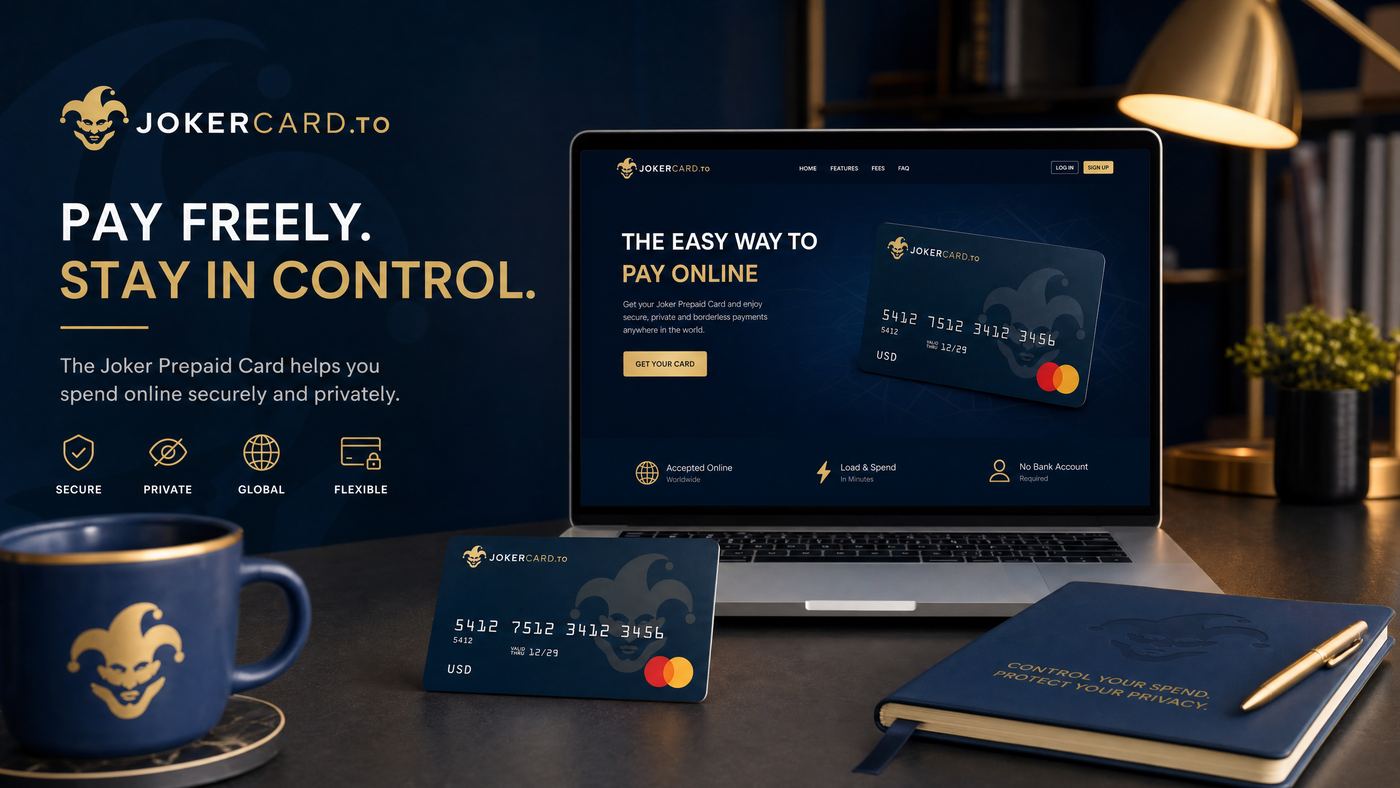
Online shopping has become an integral part of modern life, offering unparalleled convenience and access to a vast array of products and services. For Canadians, the Joker Prepaid Card presents a secure and controlled method for making these digital purchases. Unlike linking your primary bank account or using a credit card, a prepaid card offers a layer of financial isolation, making it a popular choice for those conscious about online security and budgeting. This guide will walk you through the best practices for using your Joker Prepaid Card for online shopping in Canada, ensuring a smooth and safe experience.
Why Use Joker Card for Online Shopping?
The Joker Prepaid Card offers distinct advantages for online transactions:
- Enhanced Security: Since it's not linked to your bank account, if the card details are compromised, only the loaded funds are at risk, not your entire savings.
- Budget Control: You can only spend the amount loaded onto the card, making it an excellent tool for managing online shopping budgets and preventing impulse purchases.
- Privacy: You don't have to share your primary banking information with multiple online vendors.
- Accessibility: Ideal for individuals without credit cards or those who prefer not to use them online.
- Global Acceptance: As a Visa or Mastercard branded card, it's accepted by millions of online merchants worldwide.
How to Use Your Joker Card Online
Using your Joker Prepaid Card for online purchases is very similar to using a credit card:
- Activate Your Card: Ensure your card is activated before attempting any online purchases. Refer to our guide on How to Activate Your Joker Prepaid Card in Canada.
- Check Your Balance: Always know your available balance before making a purchase to avoid declines. Use the online portal or phone number provided by the card issuer.
- Enter Card Details at Checkout: When prompted for payment information, enter the following details from your Joker Card:
- 16-digit Card Number
- Expiry Date (MM/YY)
- CVV/CVC (3 or 4-digit security code on the back)
- Billing Address: This is a critical step. The billing address you enter during checkout MUST match the address you registered with your Joker Prepaid Card. If you didn't register an address, or if you're unsure, contact customer service to set one up.
Important:
For online purchases, the billing address verification is a common security measure. An incorrect billing address is a frequent cause of declined transactions.
The Importance of Billing Address
Many online merchants use Address Verification System (AVS) as a fraud prevention tool. When you make an online purchase, the merchant's system checks if the billing address you provide matches the address on file with your card issuer. If there's a mismatch, the transaction may be declined, even if you have sufficient funds.
If you purchased your Joker Prepaid Card and didn't register an address, or if you're using it as a gift, you might need to contact the card issuer's customer service to register a billing address. This could be your home address or the recipient's address if it's a gift card they are using.
Security Tips for Online Transactions
While Joker Cards offer inherent security, following these tips will further protect your funds:
- Shop on Reputable Websites: Stick to well-known and trusted online retailers. Look for reviews and secure payment badges.
- Look for HTTPS: Always ensure the website URL begins with "https://" and has a padlock icon in the address bar. This indicates a secure, encrypted connection.
- Avoid Public Wi-Fi: Do not make online purchases or enter sensitive card details when connected to unsecured public Wi-Fi networks.
- Monitor Transactions: Regularly check your card's transaction history through the online portal to spot any unauthorized activity quickly.
- Keep Software Updated: Ensure your operating system, web browser, and antivirus software are always up to date.
- Be Wary of Phishing: Never click on suspicious links in emails or text messages that ask for your card details.
Common Online Shopping Issues & Solutions
| Issue | Solution |
|---|---|
| Transaction Declined | Check your balance. Ensure the billing address matches the registered address. Some merchants (e.g., subscription services, gas pumps) may place a temporary hold larger than your purchase, which can cause issues with prepaid cards. |
| Card Not Accepted | Verify the merchant accepts Visa/Mastercard. Some smaller online stores might have restrictions on prepaid cards. Ensure you have sufficient funds. |
| Foreign Transaction Fees | If shopping on international websites, be aware that foreign transaction fees may apply, reducing your available balance. |
| Refunds to Prepaid Card | Refunds can take longer to process and appear on a prepaid card compared to a credit card. Keep records of your return. |
Frequently Asked Questions (FAQ)
Q: Can I use my Joker Prepaid Card for recurring subscriptions online?
A: It depends on the subscription service and the specific card. Some services may not accept prepaid cards for recurring payments due to their nature. Always check with the service provider.
Q: What if I don't have enough funds for an online purchase?
A: The transaction will be declined. Some merchants may allow you to split payment between two cards, but this is not universally supported.
Q: Is there a difference between using a physical Joker Card and a virtual one online?
A: Functionally, they are similar for online purchases. A virtual card provides the card number, expiry, and CVV without a physical card, offering the same security benefits.
Conclusion
The Joker Prepaid Card is an excellent tool for secure and controlled online shopping in Canada. By understanding how to properly use it, paying attention to billing address details, and following general online security best practices, you can enjoy a worry-free e-commerce experience. It empowers you to manage your spending, protect your primary financial accounts, and confidently make purchases across the vast digital marketplace.