Introduction
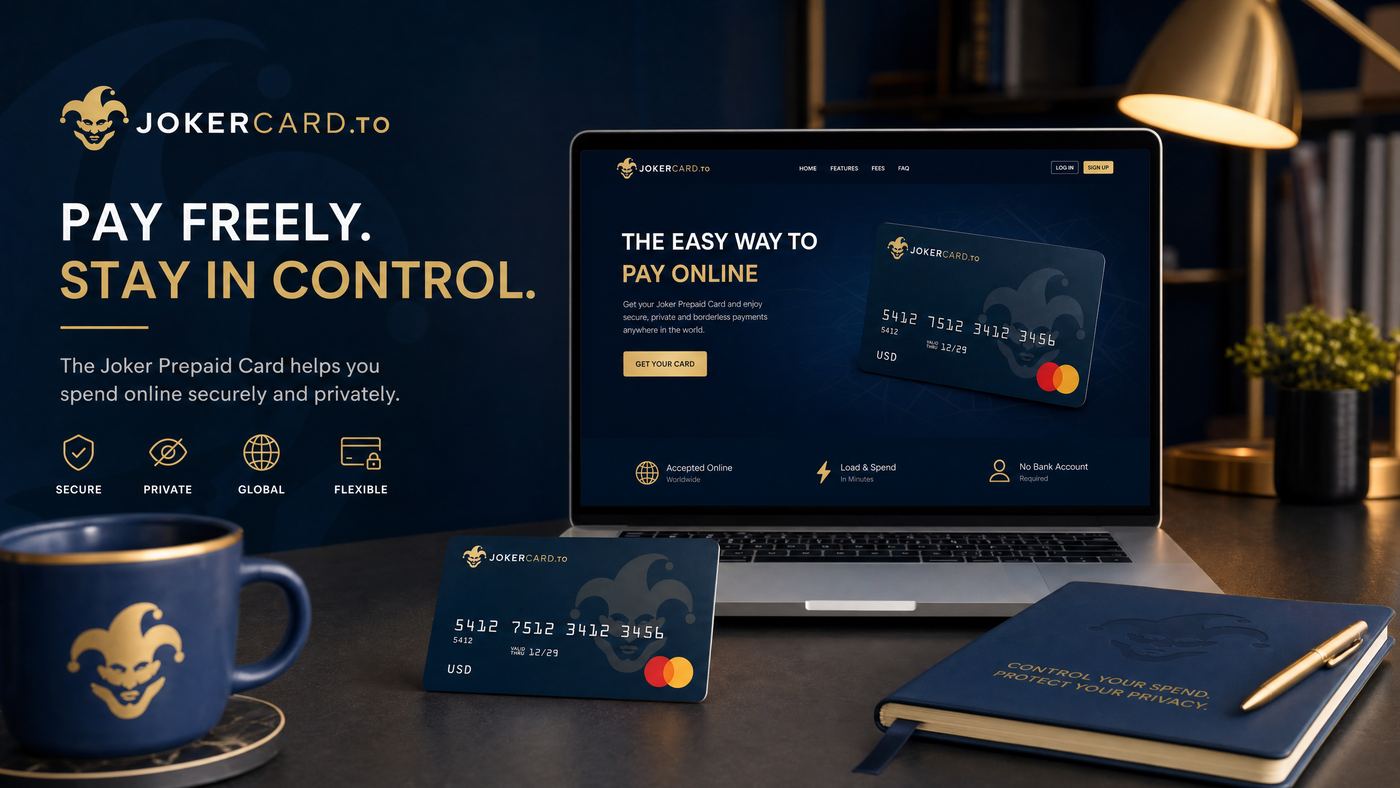
Receiving a Joker Prepaid Card is exciting, whether it's a gift or a personal purchase for budgeting. However, before you can enjoy the convenience of making purchases online or in stores, a crucial first step is activating your card. This guide will walk you through the simple process of activating your Joker Prepaid Card in Canada, ensuring you're ready to spend your funds without any hitches.
Why Activation is Crucial
Activation isn't just a formality; it's a security measure and a necessary step to link your card to the issuer's system. Without activation, your card remains inactive, and any attempts to use it will be declined. Activation helps:
- Prevent Fraud: Ensures the card is in the hands of the rightful owner.
- Enable Usage: Makes your card ready for transactions.
- Link to Your Information: For reloadable cards, it links the card to your personal details for balance tracking and support.
What You'll Need Before You Start
Before you begin the activation process, make sure you have the following:
- Your Joker Prepaid Card: Physically present.
- Card Number: The 16-digit number on the front of your card.
- Expiry Date: Month and year on the front of your card.
- CVV/CVC: The 3 or 4-digit security code on the back of your card.
- Activation Website/Phone Number: Usually found on the card's packaging or the back of the card itself.
- Personal Information (Optional): For some cards, especially reloadable ones, you might need to provide your name, address, and date of birth.
Step-by-Step Activation Process
The activation process is generally straightforward and can be completed in a few minutes:
- Locate Activation Instructions: Look for a sticker on the front of your card, the card packaging, or the back of the card for the activation website URL or a toll-free phone number.
- Choose Your Method:
- Online Activation (Recommended): Open your web browser and go to the specified activation website (e.g.,
www.jokercard.ca/activate). - Phone Activation: Dial the toll-free number provided. Follow the automated prompts to activate your card.
- Online Activation (Recommended): Open your web browser and go to the specified activation website (e.g.,
- Enter Card Details: On the website or via phone, you will be prompted to enter your 16-digit card number, expiry date, and the CVV/CVC code.
- Provide Personal Information (If Required): If it's a reloadable card or requires registration, you might need to enter your name, address, and other identifying details. Ensure this information is accurate.
- Confirm Activation: Once all details are entered correctly, you will receive a confirmation message indicating that your card has been successfully activated. Keep this confirmation for your records.
Important Note:
Some cards may require you to set a PIN during activation. If so, choose a memorable PIN and keep it secure.
Troubleshooting Common Activation Issues
While activation is usually smooth, you might encounter a few issues:
| Issue | Solution |
|---|---|
| Activation Fails Online | Double-check all entered card details for typos. Try clearing your browser cache or using a different browser. Ensure your internet connection is stable. |
| Phone Activation Issues | Ensure you are dialing the correct toll-free number. Listen carefully to the prompts and enter information accurately. Try again later if the line is busy. |
| Invalid Card Number/Details | Verify the card number, expiry date, and CVV. If you suspect the card itself is faulty, contact the retailer where you purchased it or the card issuer. |
| Website Not Working | Try accessing the website from a different device or at a later time. If the issue persists, contact customer support via phone. |
What to Do After Activation
Once your Joker Prepaid Card is activated, you're almost ready to go! Here are a few important steps to consider:
- Sign the Back of Your Card: This is a security measure that helps prevent unauthorized use.
- Register Your Card Online (If Applicable): For some cards, registering online allows you to track your balance, view transaction history, and may offer fraud protection in case of loss or theft.
- Check Your Balance: Before your first purchase, it's a good idea to check your card balance to confirm the loaded amount.
- Keep Your Card Details Safe: Treat your prepaid card like cash. Do not share your card number, expiry date, or CVV with anyone you don't trust.
Frequently Asked Questions (FAQ)
Q: How long does it take to activate a Joker Prepaid Card?
A: Activation is usually instant once you complete the online or phone process. You should be able to use your card immediately after receiving confirmation.
Q: What if I don't activate my card?
A: Your card will not work for any purchases, online or in-store, until it is activated. Attempts to use an unactivated card will be declined.
Q: Can I activate my Joker Prepaid Card over the phone?
A: Yes, most Joker Prepaid Cards offer a toll-free number for phone activation, usually found on the card packaging or the back of the card.
Q: Do I need to register my card after activation?
A: While not always mandatory for non-reloadable cards, registering your card online is highly recommended. It can provide additional security, balance protection, and access to transaction history.
Conclusion
Activating your Joker Prepaid Card in Canada is a quick and essential step to unlock its full potential. By following the simple instructions provided in this guide, you can ensure your card is ready for use, allowing you to enjoy secure and convenient transactions. Remember to keep your card details safe and always refer to the official Joker Card website or customer service for any specific inquiries related to your card.